


-19%

 Information
| Brand |
Hino |
|---|---|
| Software type |
DIAGNOSTIC ,REPROGRAMMING |
| License time |
5 YEAR |
| Option |
INSTALLATION 1 PC ,FULL SOFTWARE (UNLIMITED INSTALL) |
 Warranty 1 year
 Free installation

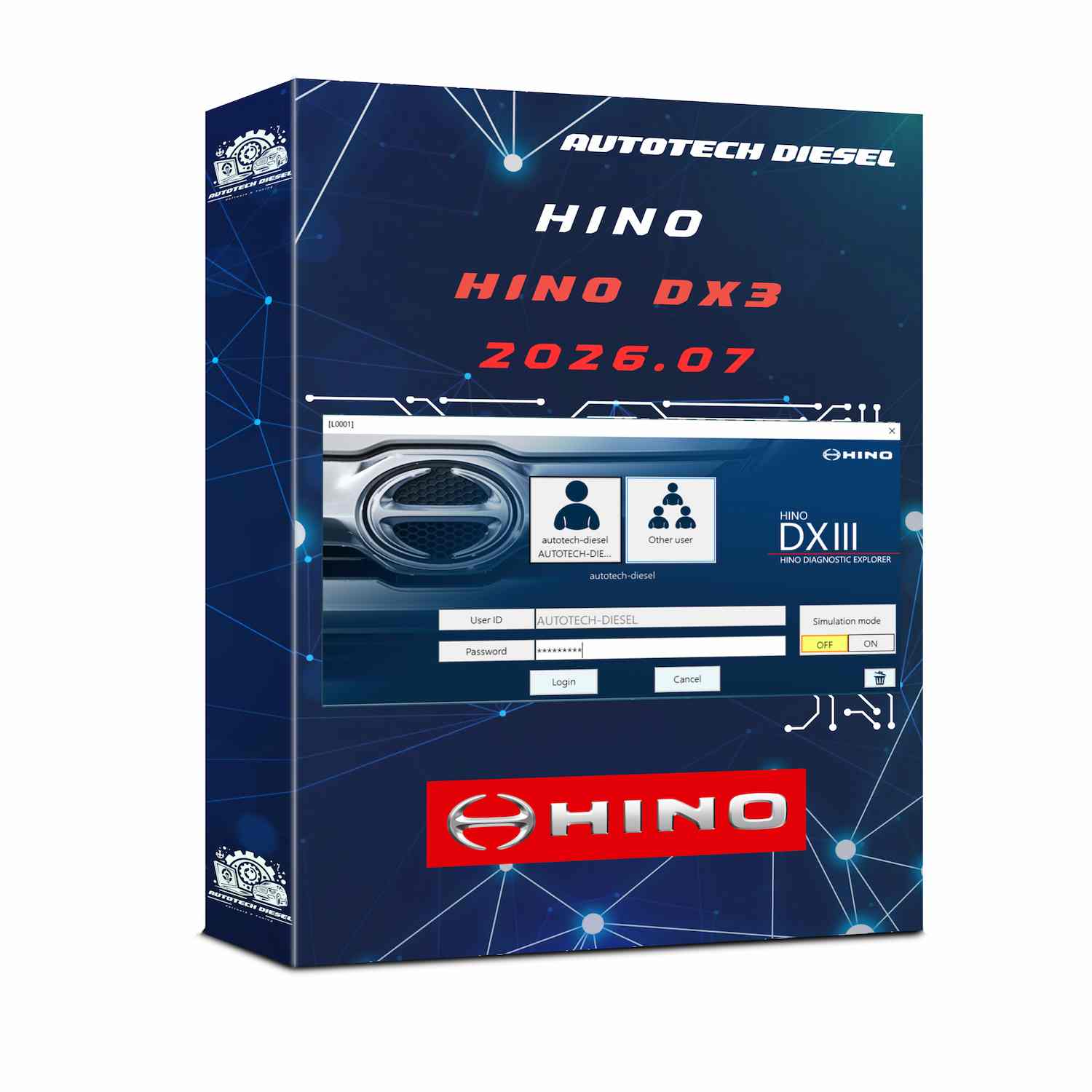
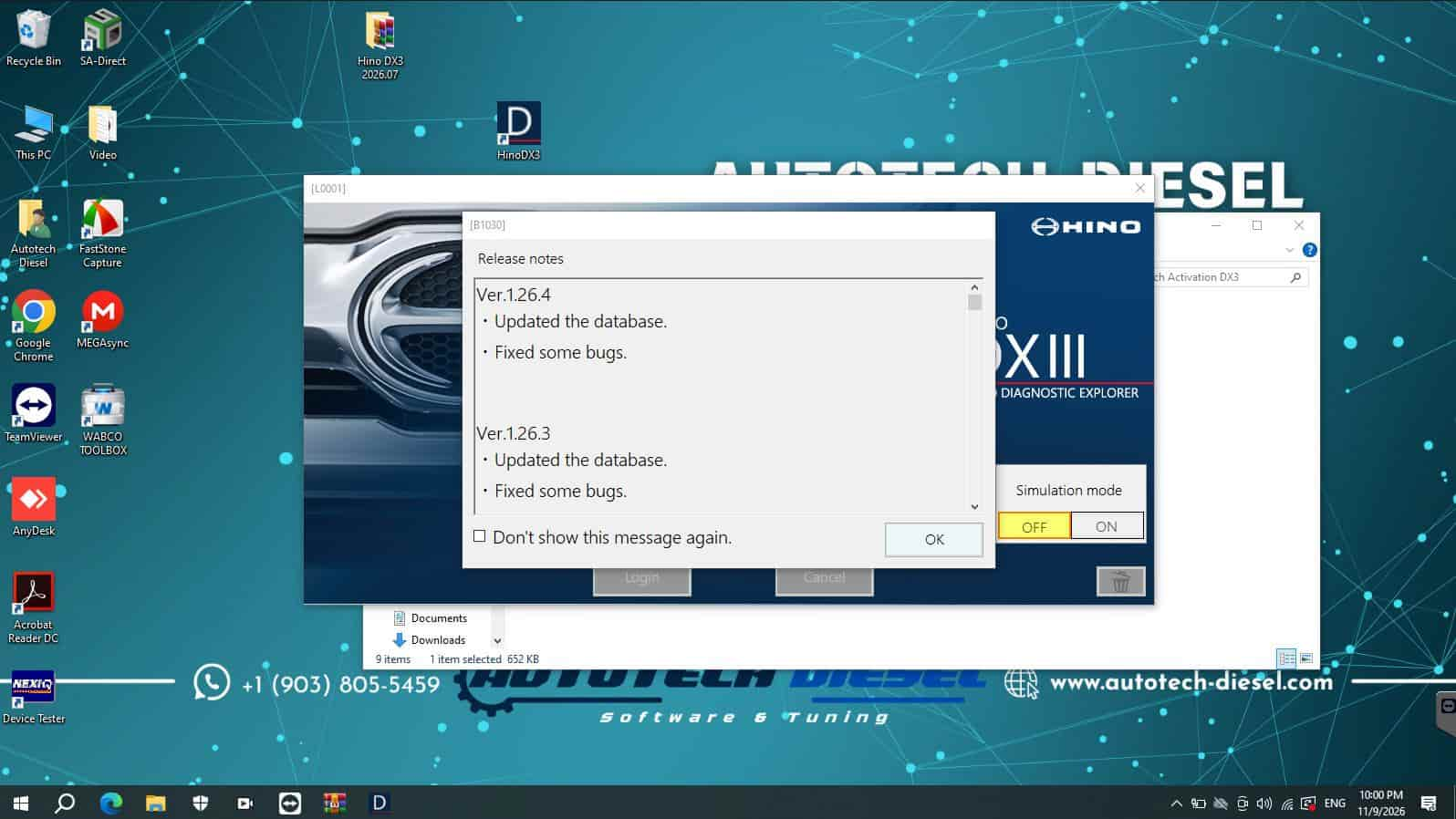
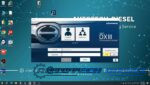
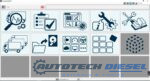
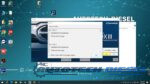
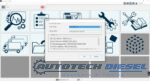
Hino DX3 2026 [7.2026] is a Hino diagnostic software version intended for professional technicians, diesel mechanics, and commercial truck repair facilities working with Hino vehicles.
Hino trucks are widely used in commercial transportation, construction, distribution, and other demanding applications. When a truck develops an engine warning light, performance issue, or electronic system fault, accurate diagnostic information is essential for identifying the problem and reducing unnecessary repair time.
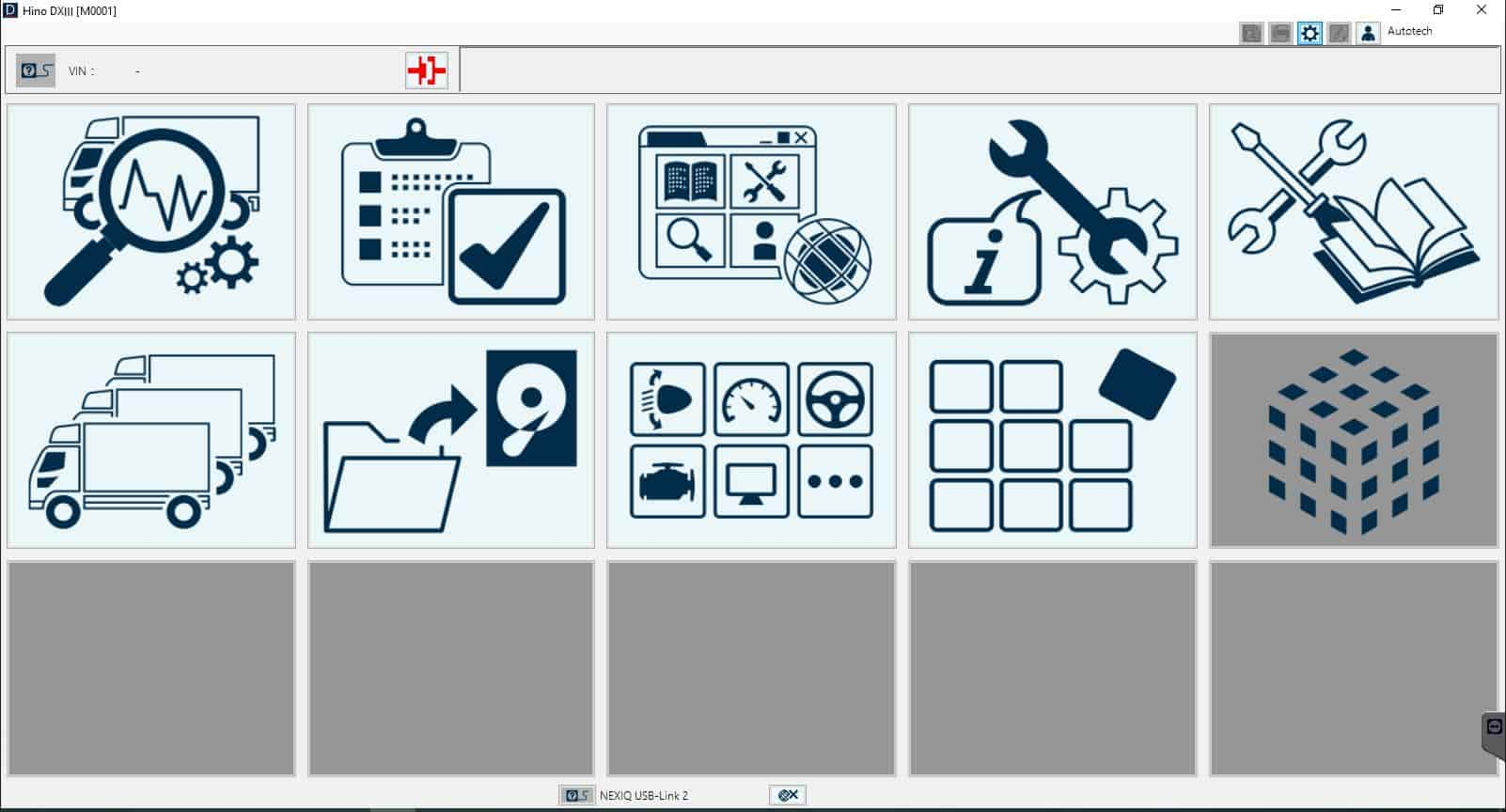
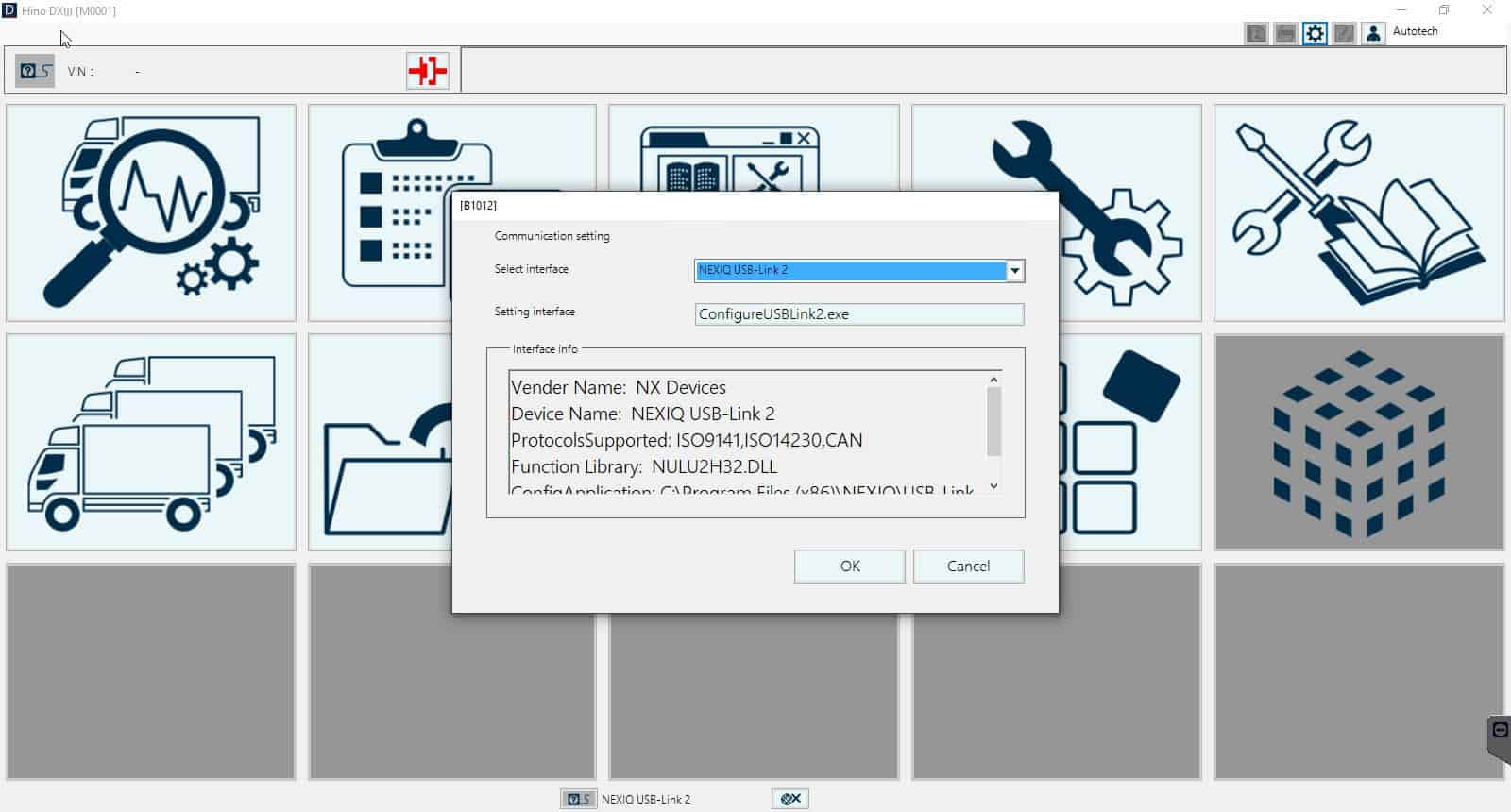
With a compatible diagnostic interface and supported vehicle configuration, Hino DX3 provides a software-based diagnostic environment for communicating with vehicle electronic systems and assisting technicians during troubleshooting.
Whether you operate an independent diesel repair shop or maintain a commercial truck fleet, professional diagnostic software can help make Hino vehicle maintenance more organized and efficient.
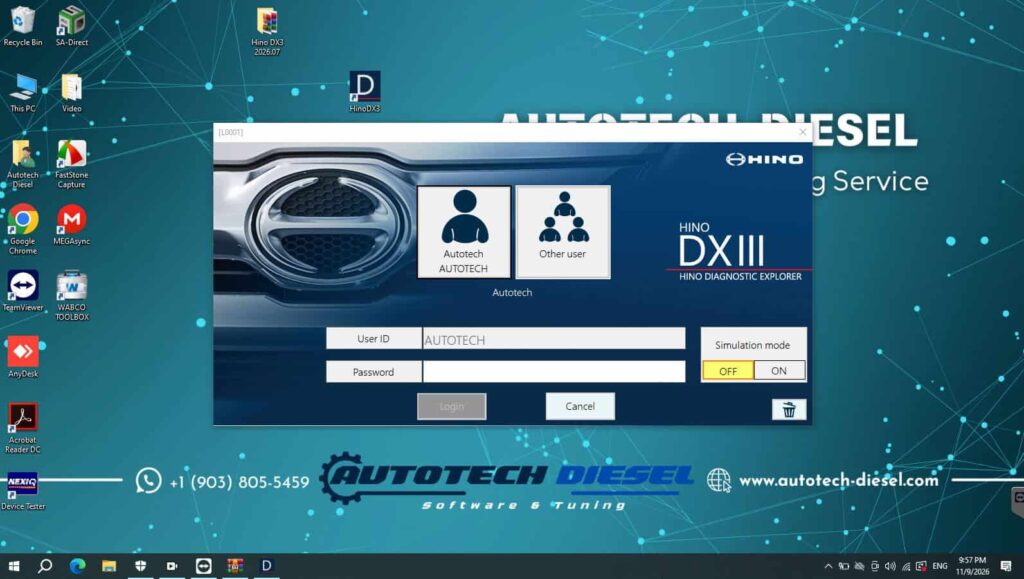
Depending on the supported vehicle, electronic control unit (ECU), diagnostic interface, and software authorization, Hino DX3 may provide access to diagnostic functions such as:
Important: Actual functions depend on vehicle model, model year, ECU type, software version, interface, and license permissions. Not every function is available on every Hino truck.
Hino DX3 is designed for Hino vehicle diagnostics. Supported coverage should be confirmed against the specific truck and software configuration before purchase.
Potential vehicle categories to check include:
The available diagnostic systems may vary by vehicle. Depending on the configuration, technicians may be able to access supported engine and other electronic control systems.
Before purchasing, verify the exact Hino model, production year, engine, ECU, and required diagnostic functions. Vehicle series names alone do not guarantee complete software coverage.
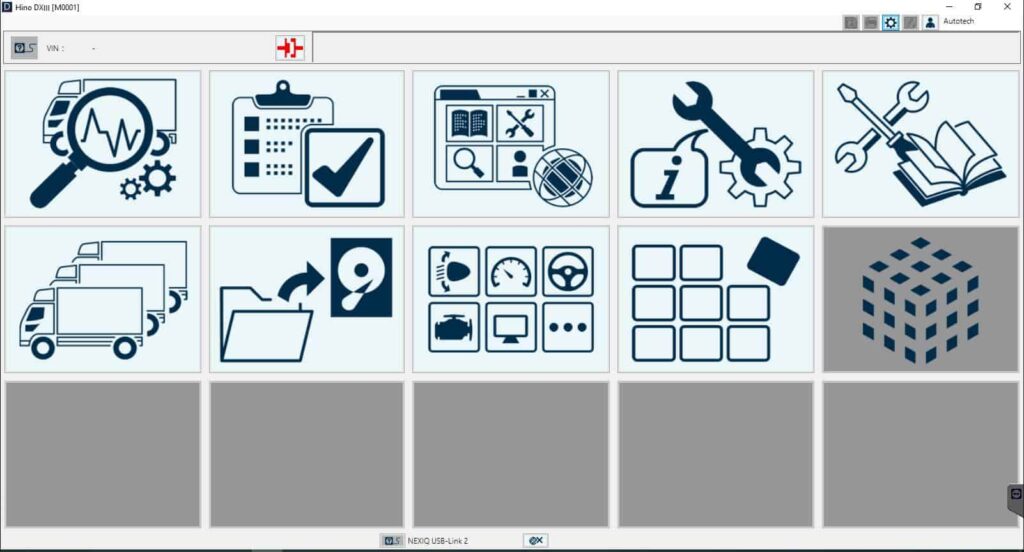
Professional Hino diagnostics involve more than simply reading a fault code. Technicians need to interpret diagnostic information, compare operating data, and perform physical inspections to identify the actual cause of a problem.
Hino DX3 can support diagnostic workflows involving:
Investigate engine-related fault information and review available operating parameters to help narrow down possible causes of performance problems.
Communicate with supported electronic control modules to retrieve available diagnostic information.
Monitor supported live data to help evaluate sensor readings and engine operating conditions.
Read and clear eligible diagnostic trouble codes as permitted by the vehicle and software configuration.
After completing a repair, technicians can perform appropriate checks and review available diagnostic information to help confirm whether the issue has been resolved.
Hino DX3 can be a useful part of a professional truck workshop’s diagnostic workflow.
Common diagnostic situations include:
For example, when a Hino truck experiences reduced engine performance, a technician can begin by retrieving available fault codes, reviewing relevant live data, and following the appropriate diagnostic procedure.
The software helps provide electronic diagnostic information, while mechanical inspections and manufacturer-approved repair procedures remain essential for confirming the root cause.
Choosing suitable diagnostic software is important for any workshop that regularly services Hino commercial trucks.
Hino DX3 2026.4 [7.2026] is worth considering if your workshop needs a dedicated Hino diagnostic solution and the software configuration matches the vehicles you service.
Key reasons to consider this version:
Always confirm the software’s actual coverage and functions before ordering.
Generic OBD diagnostic tools can be useful for basic vehicle checks, but professional commercial truck diagnostics may require more specialized software and compatible interfaces.
| Diagnostic Area | Generic Diagnostic Tool | Hino DX3 |
|---|---|---|
| General fault code reading | Depends on tool | Available for supported systems |
| Hino-specific diagnostics | May be limited | Designed for Hino diagnostics |
| Live data | Depends on tool | Available where supported |
| Electronic control module access | Varies | Depends on vehicle and configuration |
| Advanced service functions | Often limited | Depends on software authorization |
The right choice depends on the vehicles in your workshop and the diagnostic functions you need. Neither tool category should be assumed to support every vehicle or system.
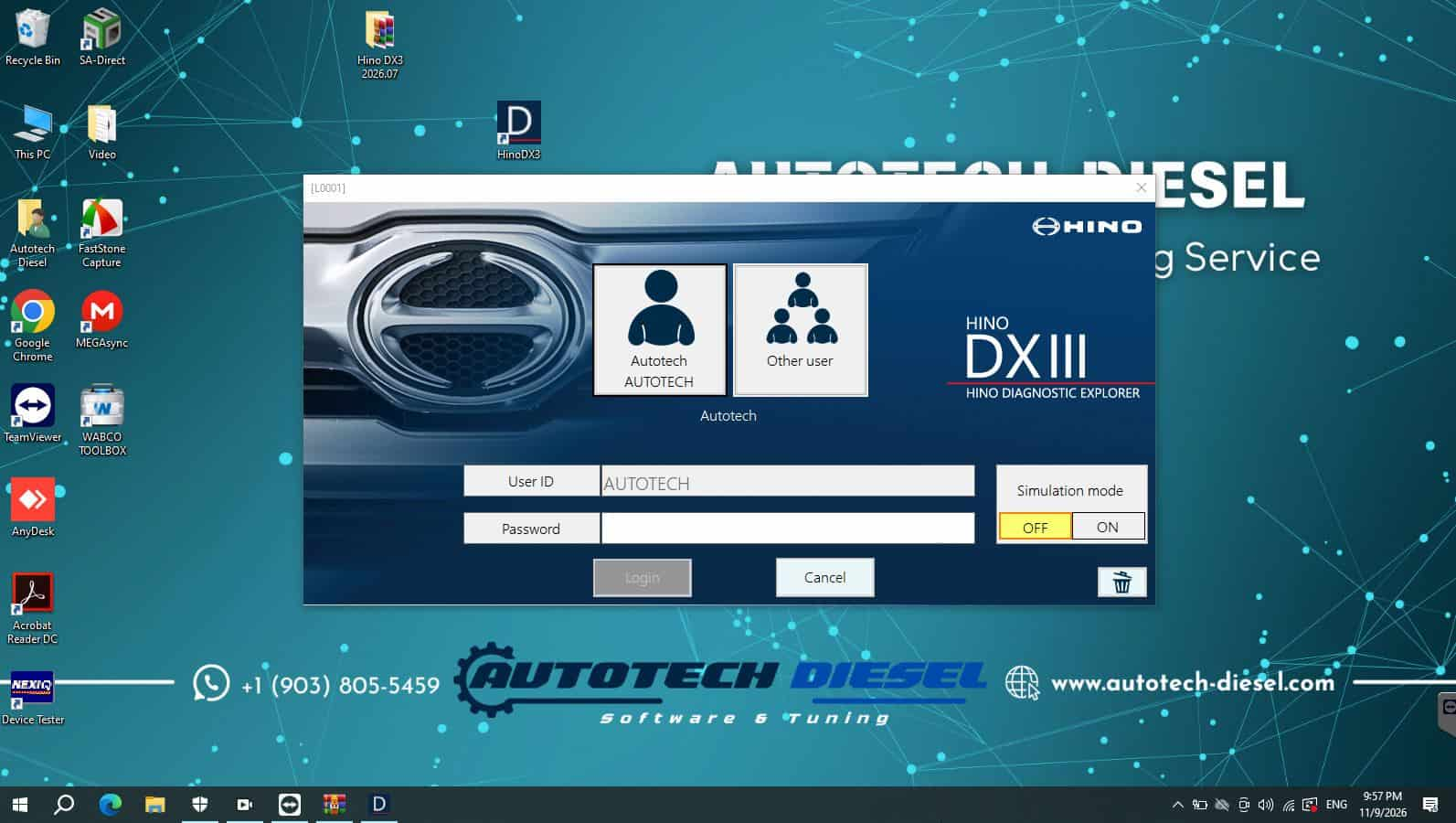
Before using Hino DX3 2026 [7.2026], make sure your diagnostic setup meets the applicable requirements.
Typical considerations include:
Compatibility Warning: Computer requirements, supported Windows versions, interface models, activation procedures, and connection methods should be confirmed with the software supplier before installation.
To avoid compatibility problems, provide the following information before ordering:
Some diagnostic functions may require additional authorization, compatible hardware, or specific vehicle configurations.
Hino DX3 should not be assumed to provide unrestricted ECU programming, parameter changes, or every advanced service function unless those capabilities are explicitly confirmed for your setup.
Hino DX3 2026.4 [7.2026] may be suitable for:
If your business regularly works with Hino trucks, having an appropriate diagnostic solution can help improve the consistency of your troubleshooting process.
At AutoTech Diesel, we focus on diagnostic software and solutions for diesel truck technicians, mechanics, and professional repair workshops.
We understand that choosing diagnostic software is not just about downloading an installation package. Compatibility, communication interfaces, software activation, and the functions required by your workshop are all important considerations.
When you contact AutoTech Diesel, our team can help you check the available product information and determine whether the software configuration is suitable for your diagnostic needs.
What you can expect:
Hino DX3 2026 [7.2026] is a version of Hino diagnostic software intended for diagnosing supported Hino commercial vehicles.
It can retrieve available diagnostic trouble codes from supported vehicle systems when used with a compatible interface and configuration.
Live data access may be available for supported vehicles and electronic control systems. The available parameters depend on the specific truck and software configuration.
No universal compatibility should be assumed. Coverage depends on the vehicle series, model year, engine, ECU, software version, and diagnostic interface.
Do not assume that all ECU programming or reprogramming functions are included. Confirm the exact function, vehicle compatibility, and authorization requirements before purchase.
The required computer and Windows environment depend on the software package. Confirm the current installation requirements with the supplier before installing.
It may be suitable for workshops that regularly diagnose compatible Hino trucks and need access to the diagnostic functions supported by their configuration.
1️⃣ Add to cart
2️⃣ Complete payment
3️⃣ Contact us via WhatsApp
4️⃣ Remote installation by our technician
✅ Ready to use in less than 1 hour
✅ Perkins EST 2026 Software
✅ CAT ET 2026A
✅Isuzu US-IDSS 2026
Stop wasting time with limited or outdated tools.
Get Hino DX3 2026 from Autotech Diesel
📞 Contact us today at autotech-diesel.com
Professional support – Fast setup – Trusted worldwide.
No account yet?
Create an Account