



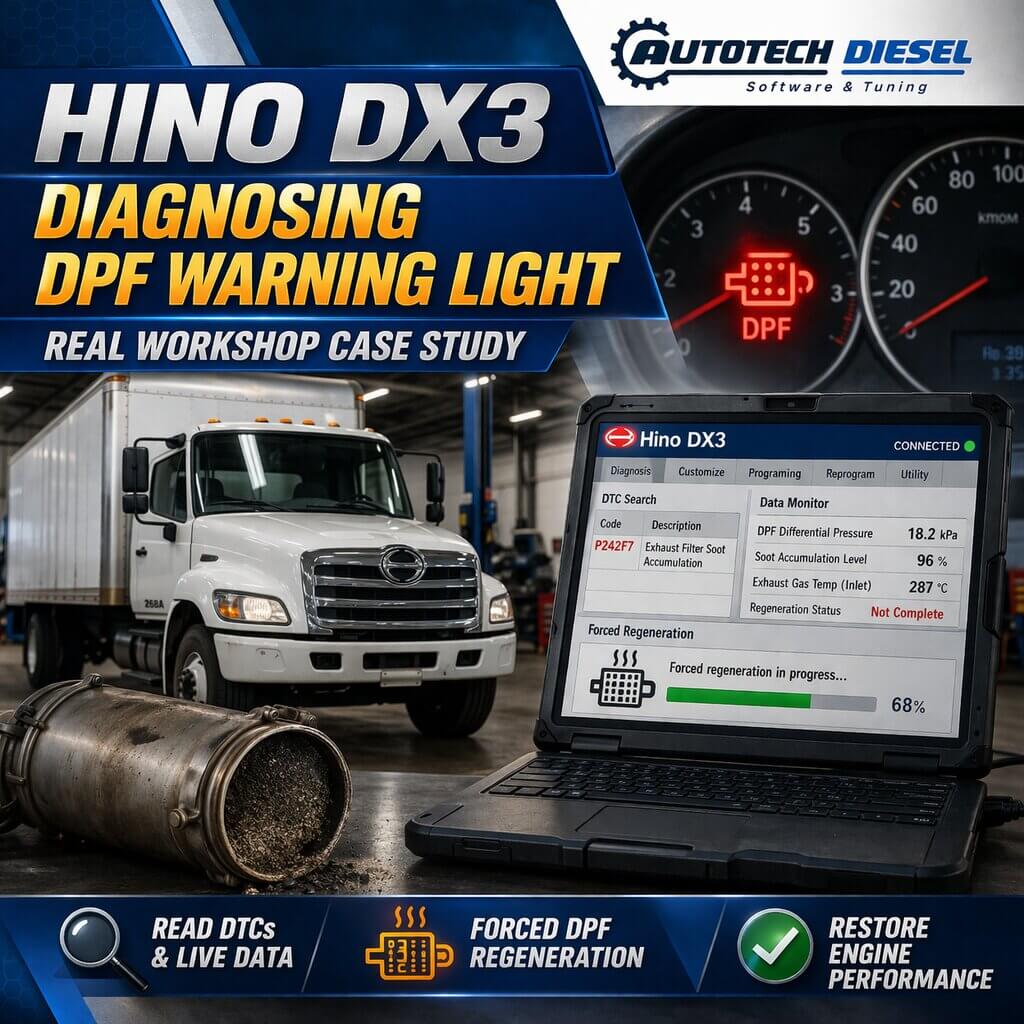
Hino DPF Warning Light ON – Real Diagnostic Case Using Hino DX3
The DPF warning light is a common issue on modern Hino trucks, especially those operating in urban conditions or short-distance routes. When this warning appears, the truck may enter limp mode, reducing engine power and affecting daily operations.
In this real workshop case, Autotech Diesel used Hino DX3 diagnostic software to identify the root cause and successfully restore the vehicle to normal operation.

🚛 Hino DPF Warning Light ON – Vehicle Symptoms (Customer Complaint)
The customer brought in a Hino truck with the following issues:
- DPF warning light ON
- Engine power reduced (limp mode activated)
- High fuel consumption
- Regeneration not occurring automatically
- Truck mainly used for short trips in the city
These symptoms are typical of a DPF system blockage or regeneration failure.
🔍 Step 1: Connect Hino DX3 & Read Fault Codes
We connected the vehicle using Hino DX3 diagnostic software and performed a full system scan.
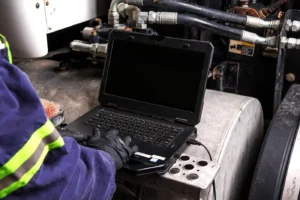
Results:
- DTC related to DPF soot accumulation
- Fault indicating regeneration incomplete / blocked
- No critical hardware failure detected
At this point, the issue appeared to be related to DPF saturation, but further analysis was required.
📊 Step 2: Live Data Analysis (Critical Step)
Using DX3 Live Data, we monitored key parameters:
- DPF Differential Pressure
- Exhaust Temperature Sensors
- Soot Accumulation Level
- Regeneration Status
⚠️ Key Findings:
- DPF differential pressure was abnormally high
- Soot level exceeded normal threshold
- No active regeneration in progress
- Exhaust temperature too low for passive regen
👉 This confirmed that the DPF was heavily clogged and unable to self-regenerate.
🛠️ Step 3: Perform Forced Regeneration with Hino DX3
Since automatic regeneration failed, we proceeded with forced regeneration using DX3.
Procedure:
- Ensure engine at operating temperature
- Start Forced Regeneration via DX3
- Monitor exhaust temperature and soot level
- Maintain stable RPM during the process
⚠️ Observation:
- Regeneration started but stopped midway
- Temperature dropped unexpectedly
This indicated a secondary issue affecting regeneration efficiency.
🔧 Step 4: Root Cause Investigation
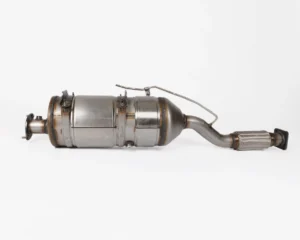
Based on DX3 data and failed regeneration, we inspected:
- Exhaust system leaks
- DPF condition
- Fuel dosing system
- Sensors
Root Cause Found:
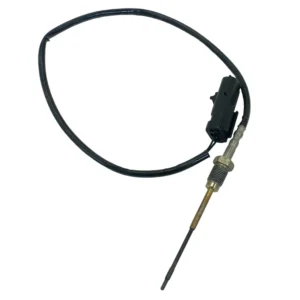
✅ Faulty Exhaust Temperature Sensor
- Incorrect temperature readings
- ECU could not maintain proper regen conditions
- Caused regeneration failure
🔄 Step 5: Repair & Final Verification
Repair Actions:
- Replaced faulty temperature sensor
- Checked wiring and connectors
- Reset DPF-related values using DX3
Final Steps:
- Performed forced regeneration again
- Monitored live data
✅ Result:
- Regeneration completed successfully
- DPF differential pressure returned to normal
- Warning light OFF
- Engine power fully restored
🎯 Why Hino DX3 is Essential for DPF Diagnostics
Without Hino DX3, this issue could easily lead to:
❌ Unnecessary DPF replacement
❌ Misdiagnosis of turbo or fuel system
❌ Increased downtime and repair cost
DX3 allows technicians to:
- Monitor real-time DPF data
- Perform forced regeneration safely
- Identify sensor-related issues accurately
🧰 Software Used in This Case
- Hino DX3 Diagnostic Software
- Functions used:
- DTC reading & clearing
- Live data monitoring
- Forced DPF regeneration
- ECU reset & relearn
👉 Available with remote installation Hino DX3 and support at Autotech-Diesel.com
⭐ Need Help with Hino DPF Problems?
At Autotech Diesel, we specialize in:
- Hino DX3 diagnostic software
- DPF troubleshooting & regeneration support
- Remote diagnostic services for workshops
If your Hino truck has:
- DPF warning light
- Limp mode
- High exhaust pressure
- Failed regeneration
📞 Contact Autotech-Diesel.com today
Get professional support and solve your problem quickly and correctly.