


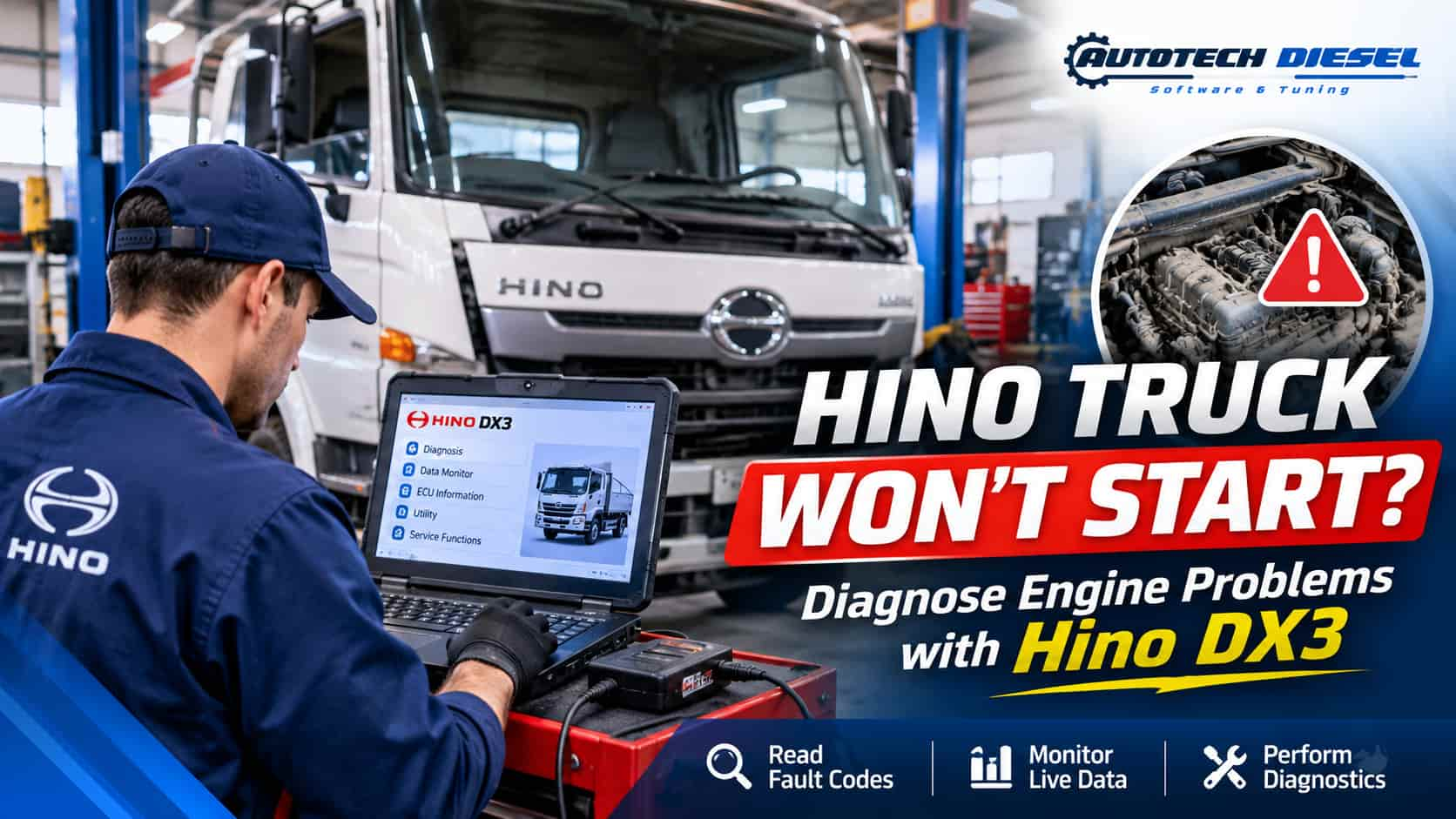
Hino Truck Won’t Start? How to Diagnose Hino Engine Problems Using Hino DX3 Diagnostic Software
🔍 Introduction
A Hino truck that won’t start can be a frustrating problem for truck owners, diesel mechanics, and professional repair shops. Whether the engine cranks but fails to start, struggles during cold starts, or starts and then suddenly shuts down, identifying the root cause is essential for an effective repair.
Modern Hino trucks use sophisticated electronic engine management systems. Starting problems can involve fuel delivery, electrical circuits, sensors, engine control modules (ECM), or other engine-related components.
Instead of relying entirely on manual inspection and guesswork, technicians can use professional diagnostic software to investigate electronic system faults and monitor engine operating data.
Hino DX3 Diagnostic Software is a dedicated diagnostic solution for compatible Hino vehicles. It helps technicians access supported electronic control systems, retrieve diagnostic trouble codes, monitor live data, and perform available diagnostic and service functions.
In this guide, we will explore common reasons why Hino trucks won’t start and explain how technicians can use Hino DX3 to support a more systematic diagnostic process.
⚠️ 1. Common Reasons Why a Hino Truck Won’t Start
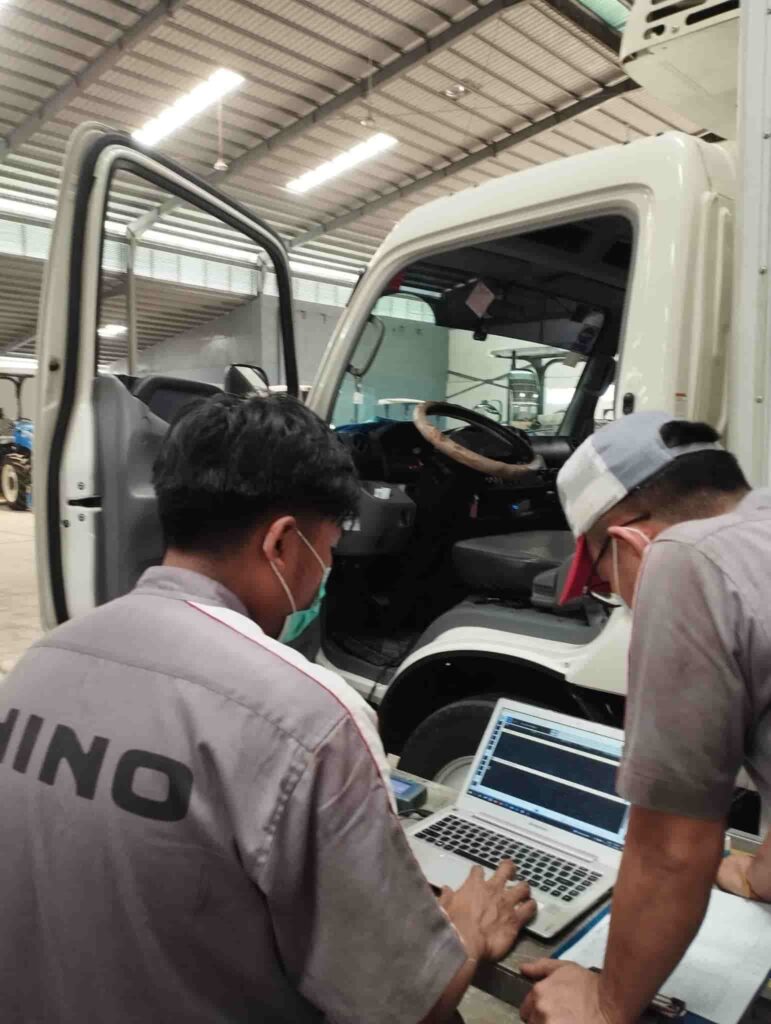
Before replacing components, technicians should identify whether the problem is related to the electrical system, fuel system, engine sensors, or electronic engine management.
Here are some common causes of Hino truck starting problems.
🔋 1.1 Weak Battery or Electrical Problems
A weak battery or poor electrical connection can prevent a Hino engine from starting properly.
Common symptoms include:
- The starter motor turns slowly.
- The dashboard lights become dim during cranking.
- The engine does not crank.
- Electrical systems behave intermittently.
- The truck starts after the batteries are charged or replaced.
Technicians should inspect battery voltage, battery terminals, ground connections, starter circuits, and relevant power supply connections.
⛽ 1.2 Fuel System Problems
Fuel delivery problems are another possible cause of diesel engine starting issues.
Potential problems include:
- Restricted fuel filters.
- Air entering the fuel system.
- Low fuel supply pressure.
- Fuel pump problems.
- Faulty fuel pressure regulation.
- Fuel contamination.
On electronically controlled common rail engines, insufficient fuel rail pressure during cranking may prevent the engine from starting.
Technicians should inspect the fuel system and compare available actual and commanded fuel pressure data where supported.
🌡️ 1.3 Crankshaft or Camshaft Position Sensor Problems
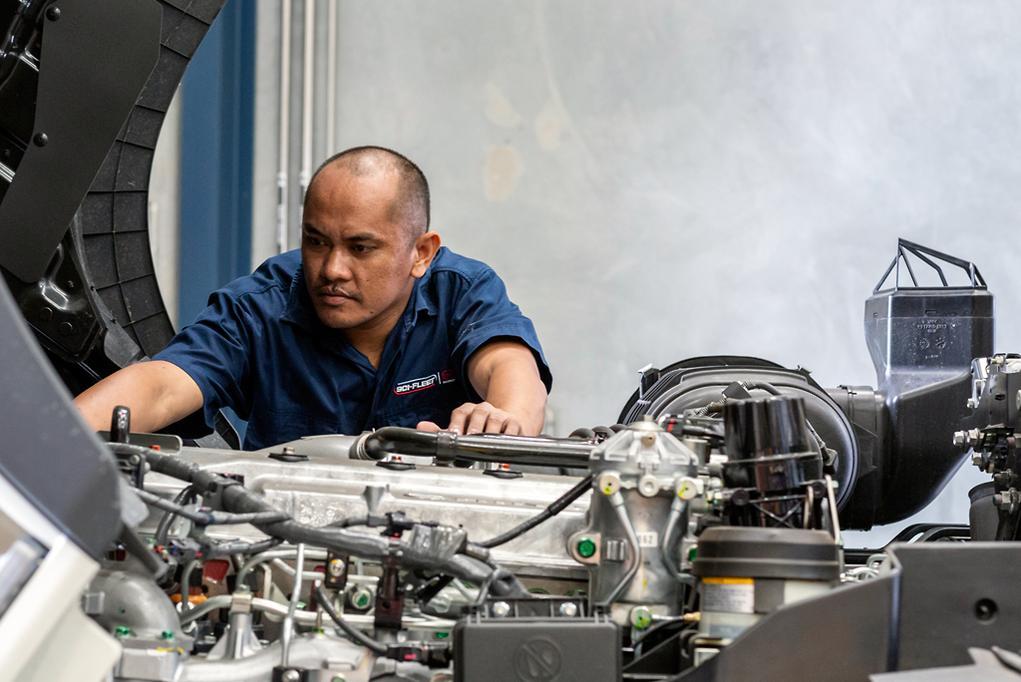
Crankshaft and camshaft position sensors provide important engine timing information to the ECM.
If the ECM cannot receive valid signals from these sensors, it may not correctly determine engine position and timing.
Possible symptoms include:
- Engine cranks but does not start.
- Intermittent starting problems.
- Engine stalls unexpectedly.
- Engine speed signals are missing or incorrect.
- Relevant sensor-related diagnostic trouble codes are stored.
Using Hino DX3, technicians can retrieve available sensor-related fault codes and monitor supported engine speed and synchronization data to help investigate these problems.
💻 1.4 ECM and Electrical Control Problems
The Electronic Control Module (ECM) manages important engine functions, including fuel injection and electronic engine control.
Potential problems include:
- ECM power supply issues.
- Poor ground connections.
- Damaged wiring harnesses.
- Connector corrosion.
- Communication problems.
- Electronic control system faults.
A proper diagnosis should include checking ECM power, ground, wiring, connectors, and communication before considering ECM replacement.
🔧 1.5 Starter Motor Problems
If the engine does not crank, the problem may be related to the starter system rather than the engine management system.
Possible causes include:
- Faulty starter motor.
- Defective starter relay.
- Damaged wiring.
- Weak batteries.
- Poor ground connections.
- Starter control circuit problems.
In this situation, technicians should perform electrical testing and inspect the starting circuit.
🖥️ 2. How Hino DX3 Helps Diagnose a Hino Truck That Won’t Start
When a Hino truck experiences starting problems, identifying the actual cause can be challenging.
A professional diagnostic tool can help technicians investigate electronic engine systems and avoid unnecessary component replacement.
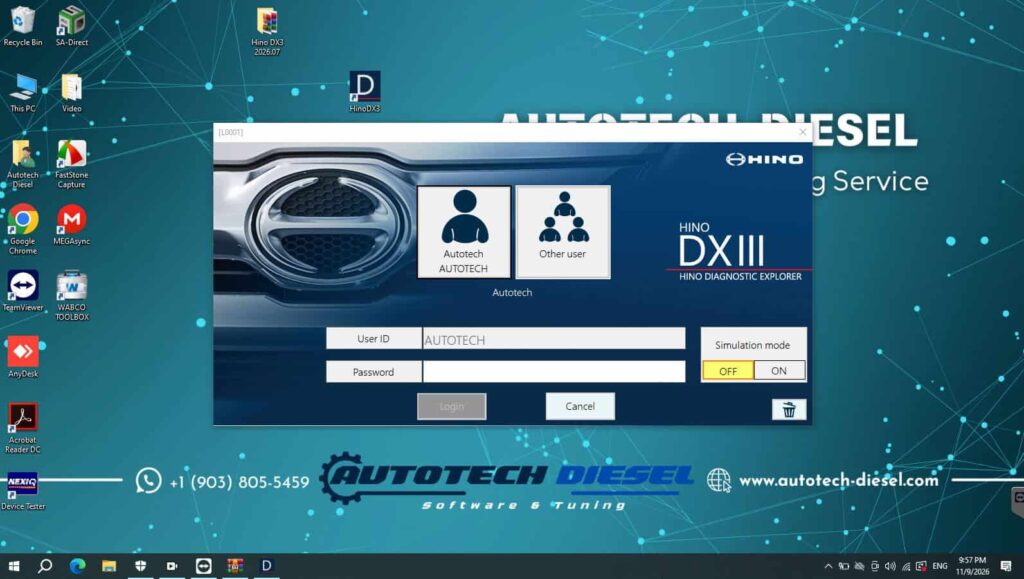
Hino DX3 Diagnostic Software provides access to supported Hino electronic systems through a compatible diagnostic communication interface.
Depending on vehicle model, system configuration, software version, and available access, technicians can use the following functions.
🔍 Read Diagnostic Trouble Codes (DTCs)
Hino DX3 allows technicians to retrieve available diagnostic trouble codes from supported electronic control modules.
These codes can help identify problems involving:
- Engine sensors.
- Electronic fuel system components.
- Engine control circuits.
- Communication systems.
- Other monitored electronic components.
By reviewing active and stored fault codes, technicians can establish a more accurate direction for further inspection.
📊 Monitor Live Data
Live Data is one of the most useful functions when investigating engine starting problems.
With Hino DX3, technicians can monitor available engine parameters in real time.
Depending on the vehicle and supported system, relevant data may include:
- Engine speed (RPM).
- Coolant temperature.
- Fuel pressure.
- Intake air temperature.
- Manifold pressure.
- Sensor readings.
- Engine operating status.
- Available electronic control parameters.
For example, if the engine cranks but does not start, technicians can monitor engine speed during cranking and check available fuel pressure information.
These readings can help determine whether further inspection of the fuel system, engine sensors, or electrical circuits is necessary.
🧪 Perform Available Diagnostic Tests
Hino DX3 supports available diagnostic functions and tests for compatible Hino electronic systems.
These functions can help technicians investigate specific electronic components and system operation.
The available tests depend on the vehicle model, ECU configuration, and software support.
🗑️ Clear Diagnostic Trouble Codes
After identifying and repairing the underlying problem, technicians can use Hino DX3 to clear eligible diagnostic trouble codes.
They can then reconnect or perform another diagnostic scan to verify whether the fault has returned.
Important: Clearing fault codes does not repair the underlying problem. Always identify and correct the cause before clearing codes.
🛠️ 3. Step-by-Step: Diagnosing a Hino Truck That Cranks but Won’t Start
Let’s consider a common workshop situation.
A Hino truck arrives at a repair shop with the following symptoms:
- The starter motor operates normally.
- The engine cranks but does not start.
- The Check Engine warning light is illuminated.
- The truck has difficulty starting after being parked overnight.
Instead of immediately replacing fuel system components, the technician can follow a systematic diagnostic process.
Step 1: Perform an Initial Inspection
Start by checking:
- Battery condition and voltage.
- Starter motor operation.
- Fuel level.
- Fuel filter condition.
- Electrical connections.
- Engine wiring harness.
- Relevant fuses and relays.
This initial inspection helps eliminate basic mechanical and electrical causes.
Step 2: Connect Hino DX3 Diagnostic Software
Connect a compatible Hino diagnostic communication interface to the vehicle’s diagnostic connector.
Launch Hino DX3 on the diagnostic computer and establish communication with the supported vehicle systems.
Select the appropriate vehicle and control system according to the software interface.
Step 3: Read Active and Stored Fault Codes
Perform a diagnostic scan and retrieve available fault codes from the engine control system.
Review the codes carefully and identify which systems require further investigation.
Do not replace components based solely on a fault code. A code may indicate a circuit or system problem rather than a defective component.
Step 4: Check Live Engine Data During Cranking
Monitor relevant available parameters while the engine is cranking.
Important information to investigate may include:
- Engine speed signal.
- Fuel rail pressure.
- Coolant temperature.
- Sensor signals.
- Available synchronization information.
- Other relevant engine operating parameters.
For example:
If engine speed data is missing during cranking, investigate the crankshaft position sensor circuit, wiring, and related components.
If actual fuel rail pressure does not reach the required starting level, inspect the fuel supply system, pressure regulation, and related components.
The technician should compare measured values with the manufacturer’s specifications for the particular engine.
Step 5: Inspect the Suspected Components
After reviewing diagnostic codes and live data, perform additional electrical, mechanical, and fuel system tests.
This may involve checking:
- Sensor power and ground.
- Wiring continuity.
- Connector condition.
- Fuel supply pressure.
- Fuel rail pressure.
- Starter and battery circuits.
- ECM power and ground connections.
Step 6: Repair and Verify
After identifying the actual cause, perform the necessary repair.
Reconnect Hino DX3 and:
- Check the relevant diagnostic systems again.
- Clear eligible fault codes.
- Monitor available live data.
- Verify engine operation.
- Confirm that the original starting problem has been resolved.
This systematic approach helps technicians avoid unnecessary parts replacement and improve workshop efficiency.
🚚 4. Which Hino Trucks Can Benefit from Hino DX3?
Hino DX3 is designed for professional diagnostics of compatible Hino vehicles.
Depending on software coverage, vehicle generation, and communication hardware, its applications may include:
- Hino 300 Series trucks.
- Hino 500 Series trucks.
- Hino 700 Series trucks.
- Hino medium-duty trucks.
- Hino heavy-duty trucks.
- Other compatible Hino commercial vehicles.
Actual vehicle coverage and available diagnostic functions must be verified against the specific model, year, market, and electronic control system.
⭐ 5. Why Diesel Repair Shops Need Hino DX3 Diagnostic Software
For professional diesel repair workshops, having the right diagnostic software can make a significant difference in daily repair operations.
Modern Hino trucks rely on electronic engine management systems, making access to manufacturer-specific diagnostic information increasingly important.
Here are several reasons why Hino DX3 can be a valuable addition to a professional workshop.
✅ More Efficient Troubleshooting
Access available fault codes and live engine data to help identify potential problems without relying entirely on trial and error.
📊 Better Diagnostic Information
Monitor available engine parameters and electronic system information to support more informed repair decisions.
🔧 Support for Professional Repair Work
Use supported diagnostic tests and service functions when working on compatible Hino electronic systems.
💼 Improve Workshop Capabilities
Expand your diagnostic capabilities when servicing Hino trucks and other compatible commercial vehicles.
⏱️ Reduce Unnecessary Component Replacement
A structured diagnostic process helps technicians investigate the actual cause before replacing expensive components.
🖥️ 6. Hino DX3 Diagnostic Software – Key Functions
Hino DX3 offers a range of diagnostic capabilities for supported Hino vehicles.
Depending on vehicle coverage and system configuration, its functions may include:
| Diagnostic Function | Application |
|---|---|
| Read DTCs | Retrieve available diagnostic trouble codes |
| Clear DTCs | Clear eligible fault codes after repairs |
| Live Data | Monitor available engine parameters |
| ECU Information | View supported control module information |
| System Diagnostics | Investigate supported electronic systems |
| Diagnostic Tests | Perform available system tests |
| Service Functions | Access supported maintenance procedures |
Function availability depends on vehicle compatibility, software version, ECU type, and diagnostic hardware.
❓ 7. Frequently Asked Questions About Hino Truck Starting Problems
Q1: Why does my Hino truck crank but not start?
Possible causes include fuel delivery problems, insufficient fuel rail pressure, faulty engine position sensors, electrical faults, or ECM-related issues. A proper diagnosis should include electrical inspection, fuel system testing, and electronic diagnostics.
Q2: Can Hino DX3 diagnose a Hino truck that won’t start?
Hino DX3 can help investigate starting problems by retrieving available diagnostic trouble codes, monitoring live engine data, and accessing supported diagnostic functions. However, mechanical and electrical testing may also be necessary.
Q3: Can Hino DX3 read engine fault codes?
Yes. Hino DX3 can retrieve available diagnostic trouble codes from compatible electronic control systems.
Q4: Can Hino DX3 monitor live engine data?
Yes. It supports live data monitoring for compatible systems, allowing technicians to investigate available engine operating parameters and sensor readings.
Q5: Can Hino DX3 clear Check Engine codes?
Yes. It can clear eligible diagnostic trouble codes after the underlying problems have been repaired.
Q6: Does Hino DX3 support all Hino truck models?
Not necessarily. Compatibility depends on vehicle generation, model, year, market, ECU configuration, software version, and communication interface.
Q7: Is Hino DX3 suitable for professional diesel repair shops?
Hino DX3 is intended for professional diagnostics and servicing of compatible Hino vehicles. It can be useful for independent diesel repair shops, commercial truck workshops, and professional technicians.
⚠️ 8. Important Diagnostic Tips for Diesel Mechanics
When diagnosing a Hino truck that won’t start, remember these important points:
- Always check battery voltage and starter operation first.
- Do not assume every starting problem is caused by the ECM.
- Check fuel supply and relevant pressure specifications.
- Inspect crankshaft and camshaft sensor signals when applicable.
- Use diagnostic trouble codes together with live data.
- Verify wiring, connectors, power supply, and ground connections.
- Follow the correct Hino service procedures for the specific engine.
- Never replace expensive components without confirming the actual fault.
A diagnostic tool provides valuable information, but accurate repairs still require proper testing and technical knowledge.
📞 9. Get Hino DX3 Diagnostic Software from AutoTech Diesel
Looking for professional diagnostic software for your Hino truck repair workshop?
AutoTech Diesel provides diesel diagnostic software and solutions for professional mechanics, diesel technicians, and commercial vehicle repair businesses.
Our Hino DX3 diagnostic software solution is designed to help technicians work with compatible Hino vehicles through supported diagnostic and service functions.
🚀 Why Choose AutoTech Diesel?
- Professional diesel diagnostic software solutions.
- Support for workshops and independent diesel technicians.
- Solutions for commercial truck diagnostics.
- Assistance with software and hardware compatibility.
- Diagnostic solutions for different diesel vehicle applications.
🔧 Improve Your Hino Diagnostic Capabilities Today!
Stop relying entirely on guesswork when troubleshooting Hino truck problems.
Get in touch with AutoTech Diesel to learn more about Hino DX3 software, compatibility, and available diagnostic solutions.
🌐 Website: https://autotech-diesel.com/
📩 Contact AutoTech Diesel today and find the right Hino diagnostic solution for your workshop.
AutoTech Diesel – Professional Diesel Diagnostic Software & Solutions.